
80% of all recordings that need to be redone aren't caused by the voice. They're caused by the script. That's not a guess — it's what four decades in the studio has shown me. Bad scripts produce bad recordings, regardless of who's reading.
Key points at a glance
- A voice over script is written for the ear, not the eye. Read it aloud before you send it.
- One thought per sentence. If you need to breathe in the middle of a sentence, it's too long.
- Mark emphases, pauses and pronunciations directly in the script. That's not extra effort — it's baseline.
- The most common mistakes: sentences that are too long, too many subordinate clauses, text that looks good on screen but is impossible to read aloud.
- Phonetic guides for product names, personal names and technical terms save time and re-takes.
- A good script reduces recording time, re-takes and cost. The ROI is immediate.
- The script template at the end of this article covers everything you need in a booking.
Write for the ear, not the eye
This is the single most important principle. It solves most script problems before they occur.
Text written to be read on screen or paper follows different rules than text that will be read aloud. The eye can go back. The ear cannot. The eye accepts long sentences with embedded clauses — the brain picks them apart. The ear loses the thread.
I've received scripts that are well-written. Engaging, clear, good language. But impossible to read aloud without sounding choppy, rushed or stilted. The problem is that they were written for reading, not for speaking.
Three tests:
- The breath test. Read the sentence aloud. If you need to breathe mid-sentence without a natural pause point — split the sentence.
- The flow test. Read two sentences in a row. If the transition makes you hesitate — rewrite so the second sentence naturally follows from the first.
- The unit test. Every sentence should contain exactly one thought. If there's an "and" or "but" that adds a new thought — make it a new sentence.
This takes five minutes. It saves hours in the studio.
I've read tens of thousands of scripts. The ones that work best at recording have one thing in common: they sounded good on the first read-through. Not because they were "creative" or "beautifully written" — but because every sentence had one job, and that job was to be understood by someone who hears it exactly once. That's the baseline. Everything else is a bonus.
Sentence structure: one thought, one breath
The most common problem I see in scripts is sentences trying to do too much. One sentence explains background, provides context, presents a conclusion and transitions to the next topic. On paper, it looks efficient. In the studio, it's a re-take machine.
Before:
"Our new platform, which we have developed in collaboration with leading industry experts over the past 18 months and which is now available to all customers across the Nordics, makes it possible to manage the entire workflow from a single interface."
That's 39 words. It contains three thoughts: the collaboration, the availability, and the functionality. It requires at least one breath mid-sentence, and that breath breaks the flow.
After:
"We've developed a new platform with leading industry experts. It's now available to all customers across the Nordics. The entire workflow is managed from a single interface."
Three sentences. Same information. Each sentence can be read in one breath with clear emphasis. The voice can breathe between sentences without it sounding rushed.
Before:
"We offer a comprehensive solution that helps businesses streamline their processes, reduce costs and simultaneously improve the quality of work performed by their employees in their day-to-day operations."
After:
"We offer a comprehensive solution. It streamlines processes. It reduces costs. And it raises the quality of daily work."
The second version takes roughly the same time to read — but it has four clear emphasis points instead of one long chain. The voice can place weight on each claim.
Another before/after that I see frequently in e-learning scripts:
Before:
"It is important to note that the safety procedures described in this module should be followed by all personnel who have access to the classified security zones within the facility."
After:
"Follow the safety procedures in this module. They apply to all personnel with access to classified security zones."
From 32 words to 18. Same information. But the second version lands immediately — the listener doesn't have to wait until the end of the sentence to understand what it's about.
Rule of thumb: Maximum 20 words per sentence in a voice over script. Go below 15 for technical information or instructions.
One more thing about sentence length: short sentences don't just give clarity. They give tempo. Three short sentences in a row create drive. A long sentence followed by a short one creates contrast. These are tools for the writer — and they give the voice material to work with. If every sentence is the same length, the result sounds monotonous no matter how good the voice is.
Emphases, pauses and phonetics in the script
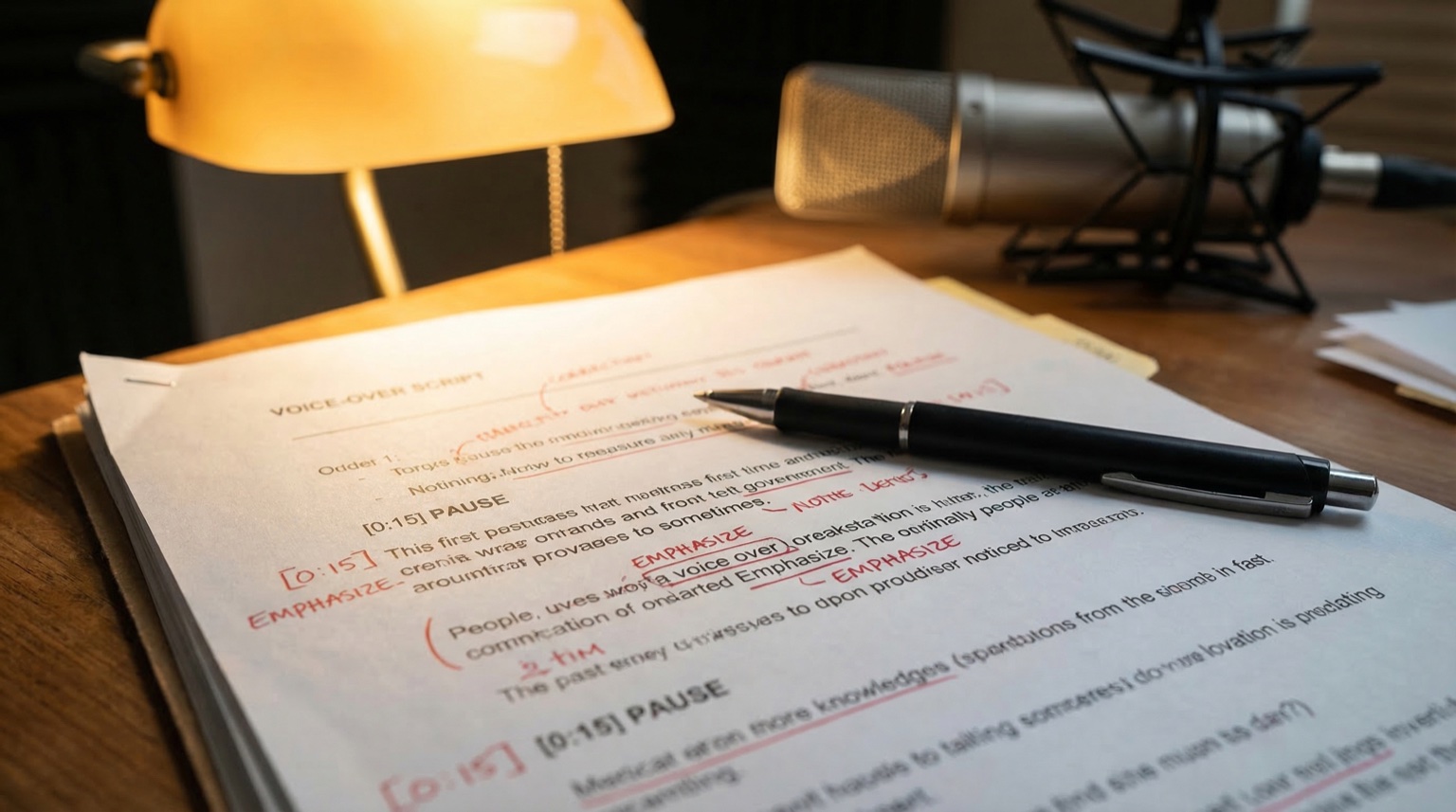
A script without markings is a script that guesses. The more you mark, the fewer questions I ask — and the faster the recording goes.
Emphases. Bold text or underline works. Pick one method and keep it consistent throughout the script.
"We don't just deliver audio. We deliver the right audio."
Without marking, I could place the emphasis on "we", "just", "audio", or "right" — all reasonable interpretations, but only one is what you want. Mark it.
Pauses. Use // or [pause] where you want the voice to create space. This is especially important:
- Before a key point (pauses create anticipation)
- After a completed section (signals a new topic)
- Around numbers and data (the listener needs time to register)
"In 2025, we grew revenue by 34 percent. // That was our best growth year ever."
Phonetic guide. Every name, product and technical term that isn't pronounced exactly as it's spelled should have a phonetic guide. I'd rather not guess.
"Worcestershire [WUH-stuh-shur]" "Reclaim.ai [ree-KLAYM-ay-eye]" "Sjælland [SHEL-lan]"
I've recorded scripts with 15 product names that all needed specific pronunciations. Without a phonetic guide, that would have been 15 back-and-forth emails. With a guide, the recording went straight through.
The five most common script mistakes
I see the same mistakes in 80% of all scripts I receive. Most are simple to fix.
1. The script reads like a press release.
Press releases are written for the eye. They have long sentences, passive voice and legal hedging. That works for reading. It doesn't work for voice.
Before: "In light of increased demand for sustainable transport solutions, the company has decided to invest in a new production line which is expected to be operational during the third quarter of 2026."
After: "Demand for sustainable transport is growing. So we're investing in a new production line. It will be operational by Q3 2026."
2. Numbers are written as digits.
The voice needs to know how the number should be spoken. "12,500" — is that "twelve thousand five hundred" or "twelve and a half thousand"? Write it out.
Before: "Revenue increased by 34% to $12,500,000."
After: "Revenue increased by thirty-four percent to twelve and a half million dollars."
3. The script uses internal abbreviations.
"KPI", "TCV", "YoY" — if the audience isn't guaranteed to understand the abbreviation, write it out. Or explain it at first use.
Before: "Our ARR increased YoY by 18% driven by NRR."
After: "Our annual recurring revenue increased by eighteen percent year on year, driven by net retention rate."
4. There's no version control.
I receive "Script_final_2_new_FINAL.docx". That's not versioning. Label the script with date and version number. "Script v3 2026-06-15" — done.
5. Target duration is missing.
A script without a target duration is a script without a time lock. If the video is 90 seconds and the script needs 120 — that doesn't fix itself. Specify target duration. Always.
Genre adaptation: the same text doesn't work everywhere
A script for a commercial looks different from a script for e-learning. Not just in tone — but in how the text is constructed.
Commercials (15–60 seconds). Every word counts. The script needs to be tight, rhythmic, and leave room for pauses that create effect. If you have 30 seconds, you have roughly 75 words. That's not a lot. Write short, be precise, and cut everything that doesn't drive the message forward. Always test against the clock — a script that doesn't fit the time frame requires either faster reading (which sounds rushed) or cutting (which breaks the flow).
Corporate video (1–5 minutes). More room, but the same principle: one thought per sentence. Corporate video often has an information problem — too much needs to fit into too little time. The best correction: remove everything the viewer already sees in the picture. If the video shows your London office, the script doesn't need to say "at our London office." See voice over for corporate video for more on this.
E-learning (modules, often 5–20 minutes). Clarity matters more than anything else here. The listener is supposed to learn something. Short sentences. No ambiguity. Pauses after every key concept. And write out all abbreviations — in a training context, you can never assume what the listener already knows.
Documentary. Write for the picture. Leave space. Let sentences breathe. See voice over for documentary for detail on pacing and tone.
IVR and phone systems. Extremely short sentences. One instruction per sentence. No subordinate clauses. "Press 1 for customer service. Press 2 for billing enquiries." See IVR voice over for specific requirements.
The script template: everything you need in a booking
Here is a complete template that covers everything I and most voice over artists need to deliver correctly on the first take. Copy it and fill it in.
VOICE OVER SCRIPT TEMPLATE
Project: [Project name + brief description]
Version: [v1 / v2 / etc.] Date: [YYYY-MM-DD]
Client: [Name + company + contact details]
Target duration: [e.g. 60 seconds / 3 minutes / open]
Format: [Corporate video / Commercial / E-learning / Documentary / IVR / Other]
Language: [English / Swedish / Both]
Tone: [Describe in practical terms, e.g. "matter-of-fact, moderate pace, not salesy". Include a tone reference if possible — link to video/audio with the right feel.]
Usage and channels: [Where will this be published? Web, social media, internal, TV, radio, etc. Geography and time period.]
Delivery format: [WAV 48/24 / MP3 / Other. One file or split per section?]
Deadline: [Date]
PRONUNCIATION GUIDE:
| Word/name | Pronunciation (phonetic) |
|---|---|
| [Example: Worcestershire] | [WUH-stuh-shur] |
| [Example: Sjælland] | [SHEL-lan] |
EMPHASIS GUIDE: [Describe overall emphasis approach, e.g. "emphasise the product name every time" or "avoid emphasis on pricing".]
SCRIPT:
[Write the script text here. Use bold for emphases and // for pauses. One sentence per line where possible.]
NOTES TO VOICE: [Any additional comments: "Final sentence should be calmer", "Smile in the voice for the opening", etc.]
The template looks like a lot — but it takes ten minutes to fill in. Compare that to three re-takes, five emails and a recording that doesn't match. It's an investment that pays for itself immediately.
ROI: why a good script saves money
I don't charge per re-take for normal adjustments. But re-takes caused by unclear scripts cost time — mine and yours.
Example calculation:
- A recording session costs between 300 and 800 EUR depending on length and usage (see rates).
- A re-take of half the script often costs 50–70% of the original price.
- If the script had been clear from the start, the re-take wouldn't have been needed.
Common time drains that a good script eliminates:
- Pronunciation discussions during the session (solved by phonetic guide)
- Unclear emphases requiring multiple variants per line (solved by marking)
- Scripts that don't fit the target duration (solved by testing the read before recording)
- Version confusion where I record the wrong version (solved by clear labelling)
This isn't about making it perfect. It's about giving the voice the conditions to deliver correctly on the first take. Every take that doesn't need to be redone is time and money saved.
What you should do
- Read the script aloud before sending it. If you run out of breath or stumble — shorten the sentences.
- One thought per sentence. Maximum 20 words. Below 15 for instructions.
- Mark emphases. Bold text or underline, consistent throughout the script.
- Insert pauses.
//or[pause]where the voice should create space. - Write a phonetic guide. All names, products and terms that could be mispronounced.
- Specify target duration. Always.
- Write out numbers. "Thirty-four percent", not "34%".
- Version control. "Script v2 2026-06-15", not "final_version_new_final".
- Use the template above. Copy, fill in, send.
- Test against the clock. Read aloud and time it. Does it match the target duration?
Next steps
A good script makes the recording land right. It reduces re-takes, saves time and produces a better result. The template above covers what you need. Fill it in, read it aloud and send it.
If you're unsure about tone or structure, contact me and we'll take five minutes. I can often tell from the script whether it's going to work.
For a broader view of the booking process: creating a clear voice over brief for fast recording. For pricing and examples: how voice over pricing works: rights and usage.
FAQ
How long should a voice over script be?
Rule of thumb: 150 words per minute at normal speaking pace. It varies by genre — documentary runs around 120–130 words per minute, commercials can hit 170+. Test by reading aloud and timing it.
Should I use conversational language in the script?
Yes, to some degree. Write the way you would say it — not the way you would write it in a memo. But avoid slang unless it's intentional. "We've" instead of "we have" works. "Like" and "basically" as filler words don't.
Who is responsible for making the script fit the target duration?
You, the client. If the script is too long, I won't shorten it myself — I'll flag that it doesn't fit. Better to solve that before the recording than during.
Can I send the script as a PDF?
Yes, but please also send a Word or Google Doc. It makes it easier to mark changes and send back comments. PDF works as a final version.
How do you handle changes during recording?
Small adjustments — individual words, emphasis changes — are normally included in the session. Larger changes (new paragraphs, changed angle) may require additional time. If you're present for a directed session, we solve it in real time.
Do I need to write a phonetic guide for foreign words?
Yes, if the pronunciation isn't obvious. "Stockholm" most people know. "Sjælland" nobody outside Denmark gets right. And product names from other languages are often pronounced differently than you'd expect. Better one guide too many than one re-take.
What's the difference between a voice over script and a brief?
The brief describes the project: purpose, tone, channels, format. The script is the text that will be read. You need both. See creating a clear voice over brief for fast recording for the brief side.
Can you help write the script?
I don't write scripts for clients, but I give feedback on scripts that are sent to me. I can say "this sentence won't work" and suggest a shorter version. The script is your text — I help it work in the studio.
Read more: