
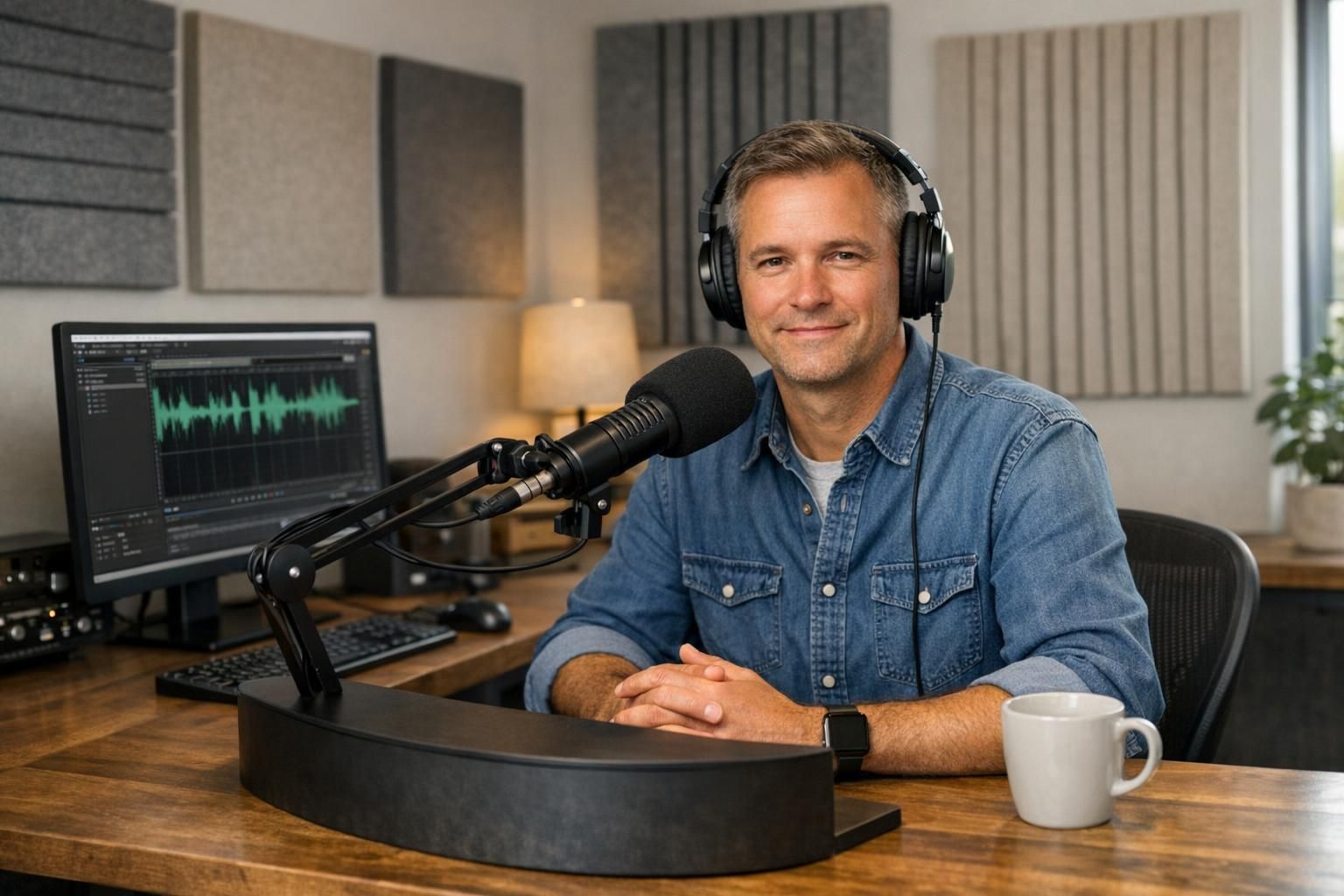
Voice-over e-learning is the recorded voice that carries your training forward through tempo, clear structure and technically correct delivery formats.
The most important points in brief
- Tempo and pauses influence understandability more than 'a good voice'. Write and plan for breathing and clicking.
- Structure in the script (headings, emphases, articulation) reduces repetitions and makes the content less tiring to listen to over time.
- File formats and export (WAV/MP3, sample rate, mono/stereo, file names) affect how smoothly it runs in LMS and during future updates.
Tempo: how to avoid it becoming sluggish or rushed
The most common thing I see in e-learning is that people try to solve everything with speed: 'Can we just read a bit faster so it feels livelier?' It almost always becomes worse. What makes a module tiring is rarely that it goes slowly. It is that it lacks rhythm.
For voice-over e-learning, a steady base tempo often works, but with clear pauses where the participant needs to think or do something: click, read a table, compare options, or just land on a new point. Pauses are not gaps. Pauses are guidance.
A practical guideline in projects meant to endure over time is to prioritize understandability over 'energy'. Energy can be created with variation in emphasis and phrasing, without pushing the tempo. And when you later update individual slides, it becomes easier to match tone and tempo if the base tempo is stable.
If you're worried it will feel monotonous: solve it in the script and structure (see next section), not by increasing speaking speed. Participants tire faster of unclear delivery than of calm.
Structure: the script that is actually possible to record and manage
An e-learning course is often written like a webpage: long sentences, parentheses and multiple messages per line. It's easy to read silently. It's harder to listen to.
For voice-over e-learning to work, the script needs to be a read-aloud script, not a 'text to have on the screen'. It comes down to three things:
- A thought per sentence. If a sentence contains two conditions and an exception it becomes repetition or mumbling.
- Marked emphasis. Say where the listener should focus their attention. Otherwise everything sounds equally important.
- Pronunciation and terms. Especially with product names, internal concepts and abbreviations. Decide on a standard early and keep it.
In real LMS projects, this is what saves time. Not only in the recording, but when you need to revise the next quarter. If you can replace a single line without the rest needing to be re-recorded, then you have built for longevity.
A concrete tip: always indicate where you expect the user to look at something ('Look at the table on the right...') and insert a short pause after. Without that pause, it becomes stressful even with a 'moderate' tempo.
File formats: what determines whether it's smooth or troublesome later
File formats may sound technical, but in practice it's an administrative matter. If the course is to endure over time you want to be able to reuse audio, swap out parts and re-export without losing quality.
What I usually recommend as a baseline:
- WAV for archive/master. Uncompressed, good when you need to make new exports later.
- MP3 for delivery, if the platform requires it. A good compromise for LMS and SCORM/xAPI packages, but choose a sensible bitrate.
- Mono when there is no reason for stereo. Voices are almost always mono. It reduces file size and hassles.
Two details that are often missed:
- Consistent sample rate. If you mix 44.1 kHz and 48 kHz in the same course, some tools may start behaving oddly at export.
- File names that survive a rebuild. 'slide_01.mp3' is okay in the first week, but useless when you have 240 clips. Use a simple standard such as module number + screen + short description.
Also request separate audio clips per slide/section, if your production relies on it. A long audio file per module can work, but updates become unnecessarily expensive because a small text change may force you to replace much more audio than necessary.
Process / checklist
- Determine target tempo and style: Should it be 'instructor in the room' or 'neutral guide'? Write down two sentences describing the feel, so you can keep it consistent during updates.
- Create a read-aloud script: Shorter sentences, marked emphasis, pronunciation of terms, and clear pauses during interaction.
- Develop a technical spec: WAV master + delivery format, sample rate, mono/stereo, normalization/target level if you use it, and file-name standard.
- Record a pilot: 1–2 minutes from a 'difficult' section (table, rules, decision flow). Have an internal SME listen for understandability, not for friendliness.
- Lock pronunciation and terms: Document decisions. It saves time when you create version 1.1.
- Deliver in the correct cut: Per slide/section if you want to be able to swap small parts without tearing everything apart.
Next steps
If you already produce training materials that should endure over time: start by selecting a module that you know will be updated frequently. Set the tempo, manuscript standard and file spec there. Once it sticks you can scale the same setup to the rest.
Learn more about how I work with e-learning voice over -- process, format and what is included in a delivery.
If you want to hear how different deliveries sound in practice you can listen to examples here: demos. If you want to check a script sample, tempo or file format before recording the entire course: contact.
FAQ
What tempo should we choose for e-learning?
Choose a calm base tempo and create variation with pauses and emphasis. Aim for the participant to have time to think and to click without needing to pause the video.
How do we ensure it doesn't become monotone to listen to?
Make sure the script has clear points, short sentences and planned pauses. Monotony more often comes from even emphasis and text written for the eye, not the ear.
Should we deliver WAV or MP3?
Ask for WAV as the master/archive. Deliver MP3 only when the platform or package size requires it. Then you can re-export without losing quality.
Is it better with one long audio file or many short ones?
Many short ones per slide/section make updates easier. A long file can work, but becomes expensive when you need to replace a few sentences.
What do we need to send to the voice talent or studio to avoid repetitions?
A read-aloud script (not just on-screen text), pronunciation of terms/abbreviations, examples of how you want it to sound, and the technical spec for file format and file names.
Read more: