
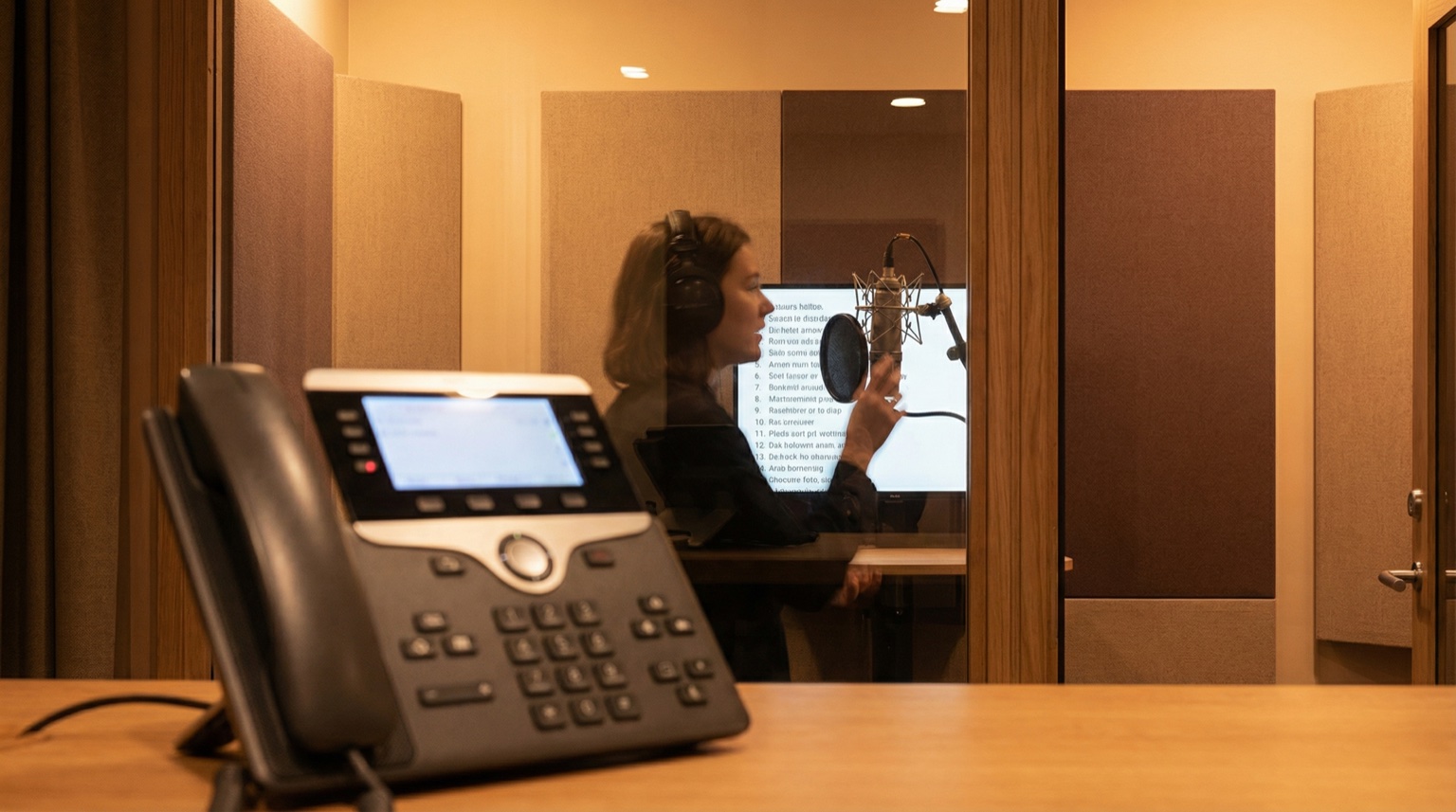
IVR voice-overs are the recorded prompts that guide callers through phone menus and phone systems. They require specific file formats (typically individual WAV files per prompt), consistent vocal delivery, and clear scriptwriting to work properly. Getting this right directly impacts both how your system functions and what callers feel about your brand.
What it is
IVR stands for Interactive Voice Response. Every prompt—"Press 1 for sales," "Your call is important," hold-music breaks, voicemail greetings—is a separate, finite piece of audio.
The voice-over files are not a single continuous recording. They're individual WAV files, typically 16-bit, 8kHz or 16kHz sample rate, mono channel. Your phone system stitches them together in real time based on caller input. One wrong format and your system won't play the file. One wrong delivery and callers miss their menu options.
The technical requirement is non-negotiable. The professional requirement is equally important—if a prompt sounds like someone phoned it in from their bedroom, every caller hears that.
How it works
Here's the actual process:
-
Script structure. Break your IVR flow into discrete prompts. Don't record a 45-second menu as one file. Record each option separately: "Press 1 for sales." "Press 2 for support." "Press 3 to hear our hours." Your integrator will tell you exactly which prompts they need and in what order.
-
Recording specifications. Get these from your phone system vendor or integrator before you start recording. Common specs:
- Format: WAV (uncompressed)
- Sample rate: 8kHz (telephony standard) or 16kHz (higher quality, still compatible)
- Bit depth: 16-bit
- Channels: Mono
- Naming convention: Whatever your integrator specifies (e.g.,
prompt_001.wav,menu_sales.wav)
-
Delivery. Record at a consistent volume level, consistent pace, consistent emotional tone. No dramatic pauses between words. No variations in mic distance (sounds like you moved your head). Each prompt should feel like it came from the same session, even though individual prompts might be re-recorded months apart.
-
Testing and delivery. Your integrator tests each file in the actual system. If a file is corrupted, too quiet, or in the wrong format, they'll tell you immediately. There's no guessing here—it either plays or it doesn't. Once approved, the files go into the phone system database, usually uploaded via a secure portal or FTP.
-
Updates. If you need to re-record a single prompt (new department name, seasonal greeting), use the same voice artist if possible. If that's not feasible, you may need to re-record the entire prompt set to maintain consistency. Phone systems are sensitive to vocal variations between files.
When it matters
First contact impression. The voice on your phone is often the first interaction callers have with your company. It forms an immediate impression about professionalism, trustworthiness, and attention to detail.
Caller navigation. A clear voice with proper pacing means fewer misdirected calls and fewer frustrated repeat callers. "Press 1 for sales" needs to be unmistakable at the end of a longer message.
Brand consistency. If your brand sounds serious and corporate, the IVR voice must match that tone. Mismatched voice and brand identity creates cognitive dissonance. Callers notice.
Long hold messages. When callers are on hold, the voice represents your company continuously. A tired or flat delivery wears on people. The same voice used energetically makes the wait feel shorter.
Multilingual systems. If you offer IVR in multiple languages, each language version should be recorded by a native or fluent speaker. An accented recording signals that you didn't invest in the infrastructure to support that customer base properly.
What you should do
Step 1: Define your prompts
Sit with your phone system integrator and map out every prompt you need:
- Main menu options
- Hold messages
- Transfer confirmations
- End-of-call messages
- Voicemail greeting
- Error messages ("That option is not valid")
- Seasonal greetings or promotions
Write them down. Word count matters because it affects recording time and your cost.
Step 2: Choose your voice
You need someone who understands telephony voice-overs. This is not the same as commercial radio voice-over or podcast narration. Phone voice work requires:
- Clarity above everything else
- Steady delivery without drama
- Ability to hit precise timing
- Understanding of how compression and phone audio transform sound
Listen to examples from professionals who specialize in IVR. Ask about telephony experience specifically.
Step 3: Get technical specs from your integrator
Before recording starts, have written specifications from the person who will integrate the files:
- Sample rate (8kHz vs 16kHz)
- File naming convention
- How to submit files (FTP, portal, email)
- What format for the script (numbered list, marked timing, notes on emphasis)
Don't guess. One wrong setting and you'll re-record unnecessarily.
Step 4: Record strategically
- Record in a treated, quiet space (no background hum, no echo)
- Use professional-grade equipment (condenser mic, preamp, interface—not a USB headset)
- Do full takes of each prompt. Don't piece together syllables in editing.
- Record multiple takes of each prompt (typically 3–5) so you can choose the best one
- Leave silence at the start and end of each file (your integrator will trim it)
- Take breaks between prompts. Vocal fatigue changes tone and delivery
Step 5: Prepare files for delivery
Once recorded and edited:
- Normalize levels to -3dB (leaves headroom for phone compression)
- Remove clicks, pops, and unwanted noise
- Export each file in the exact format specified (WAV, 16-bit, 8kHz mono, etc.)
- Name files exactly as specified
- Create a manifest or index showing what each file contains
- Test playback on different systems if possible
Step 6: Integrate and test
Your integrator loads the files and tests the entire flow. You should test it too:
- Call the number and listen to the prompts
- Navigate through all menu options
- Listen on different phone types (mobile, landline, headset)
- Check volume consistency across prompts
- Verify hold messages play correctly
Phones compress audio heavily. What sounds fine on studio monitors may need adjustment when played through a phone line.
Conclusion
IVR voice-overs succeed when two things align: technical precision and professional delivery. The file format must be exact, the specifications followed precisely, and the voice consistent and clear. Anything less and you're undermining your phone system investment.
The difference between a professional IVR and an amateur one is immediately obvious to callers. It shapes how people feel about your company before they even speak to a human.
For more on file format standards and delivery, see voice-over file format: WAV mono 48 kHz/24-bit. For rates and process, see rates or contact.
FAQ
What's the difference between IVR voice-over and commercial voice-over?
IVR requires absolute clarity and precision. Commercial work prioritizes personality and emotion. IVR voice-overs are functional; commercial narration is persuasive. Different skills.
Can I use text-to-speech instead of a real voice?
You can. It will save money. It will also sound robotic and damage brand perception. Most callers notice the difference immediately. If budget is the only driver, text-to-speech might work. If you care about how people perceive your company, hire a professional.
What if my phone system vendor specifies 8kHz but my voice artist prefers 16kHz?
Record at 16kHz. It's higher quality and is backward-compatible with 8kHz systems. When downsampling from 16kHz to 8kHz, the voice remains clear. Recording at 8kHz and trying to use it at 16kHz sounds thin and cheap.
How many takes do I need to record for each prompt?
Three to five. One may have a slight stumble. One may have slightly different timing. You want options. The best recording is usually the second or third take, after you've warmed up but before fatigue sets in.
Can I update a single prompt without re-recording the entire system?
Technically yes, if your voice is consistent. Practically, callers will notice if one prompt sounds noticeably different (different room, different mic, different delivery). If more than a few months have passed, consider re-recording all prompts for cohesion.
What sample rate should I use: 8kHz or 16kHz?
8kHz is the telephony standard and is adequate. 16kHz gives you more audio information and sounds cleaner, especially if the prompt will also be used in other contexts (on-hold video, web player). When in doubt, ask your integrator. They know what their system prefers.
Read more: